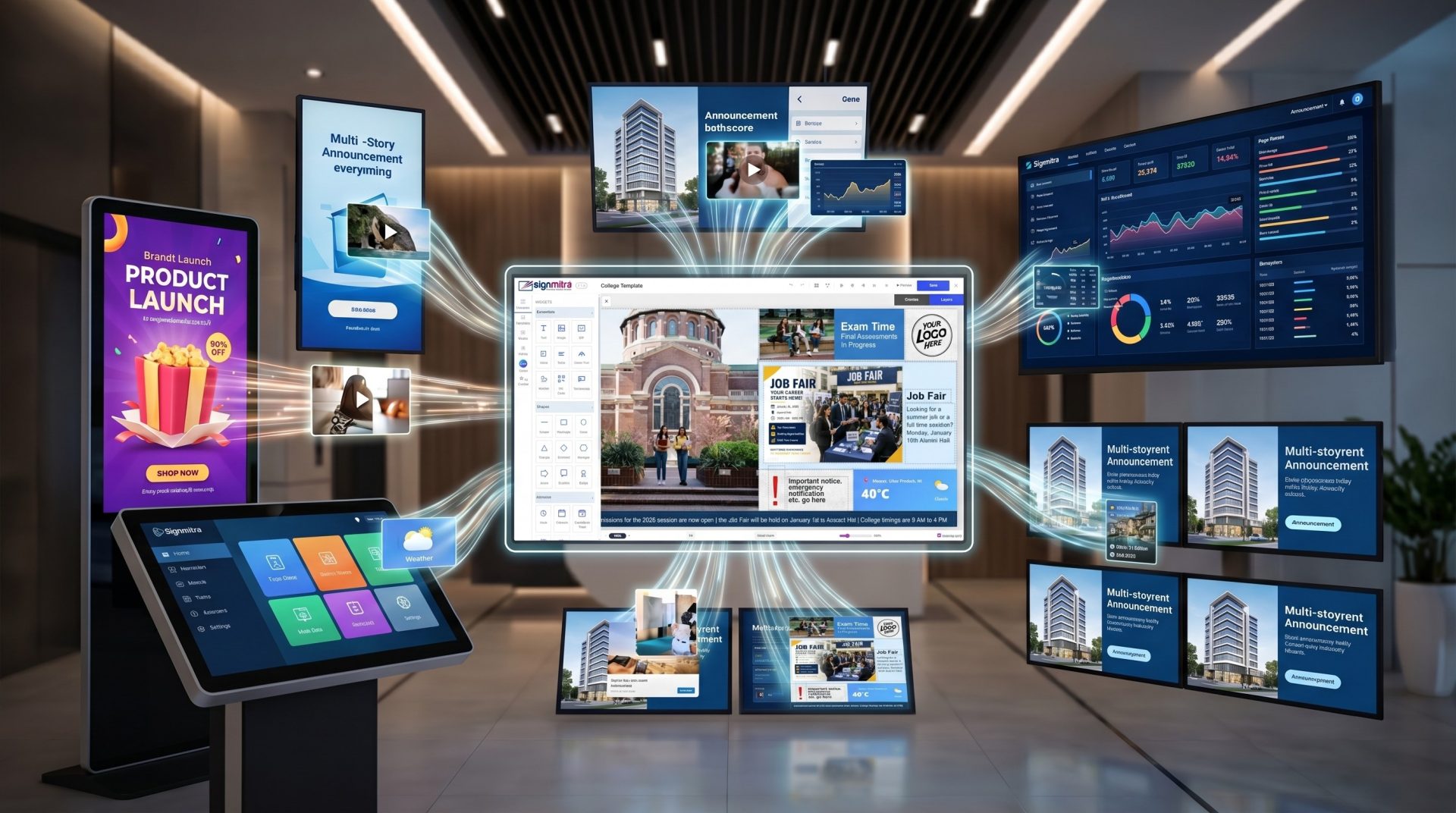
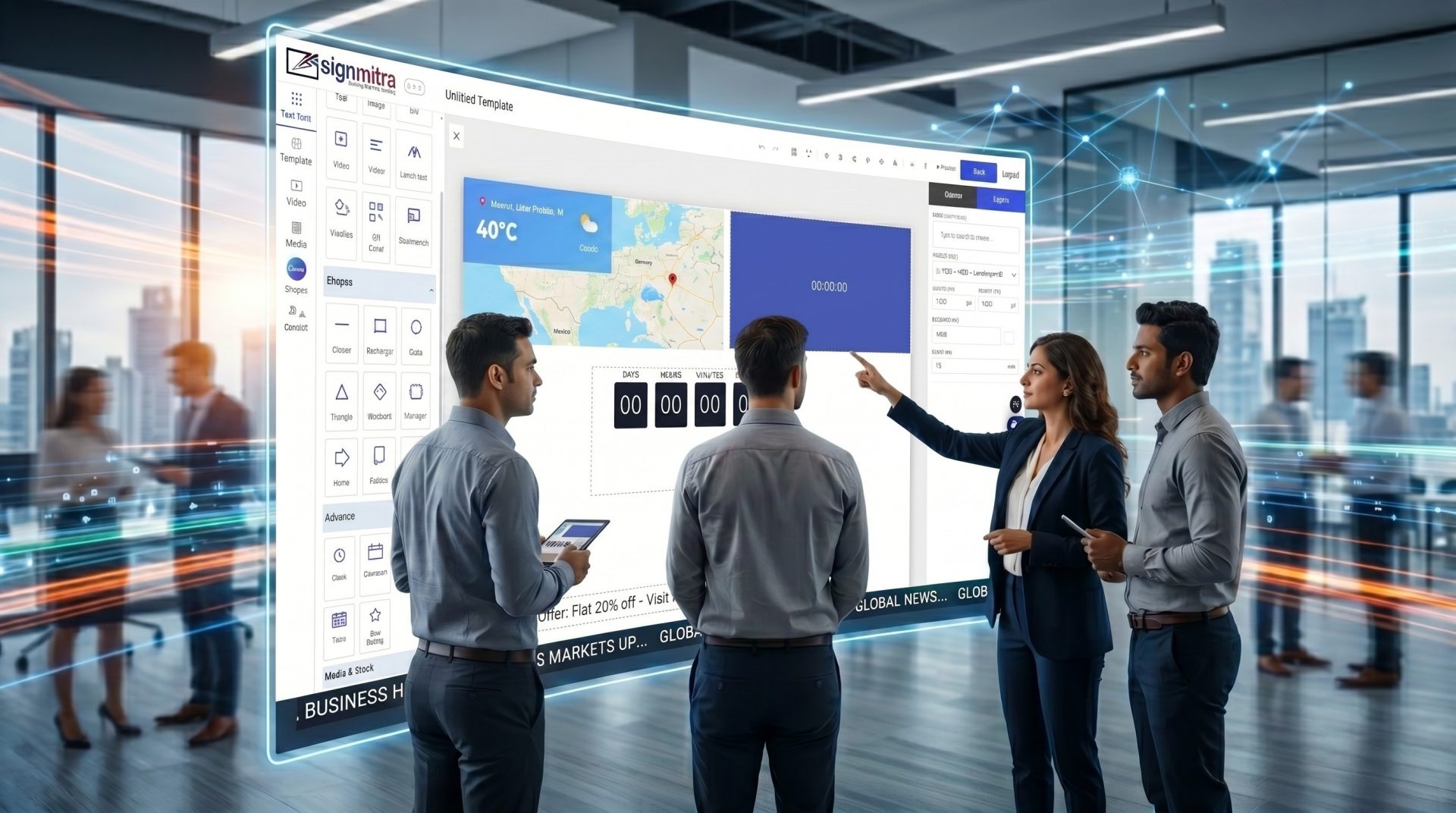
Signmitra’s CMS Studio Editor provides a powerful yet simple interface to create and manage digital signage content. Using a drag-and-drop builder, users can design layouts, add media, create slideshows and arrange widgets without any technical knowledge. The editor supports real-time preview, allowing users to visualize content before publishing. Businesses can create engaging content such as promotional banners, announcements, dashboards and interactive displays. The intuitive interface ensures faster content creation and easy updates across multiple screens.
Software
Cloud-Based Digital Signage CMS to Manage Content, Screens & Campaigns
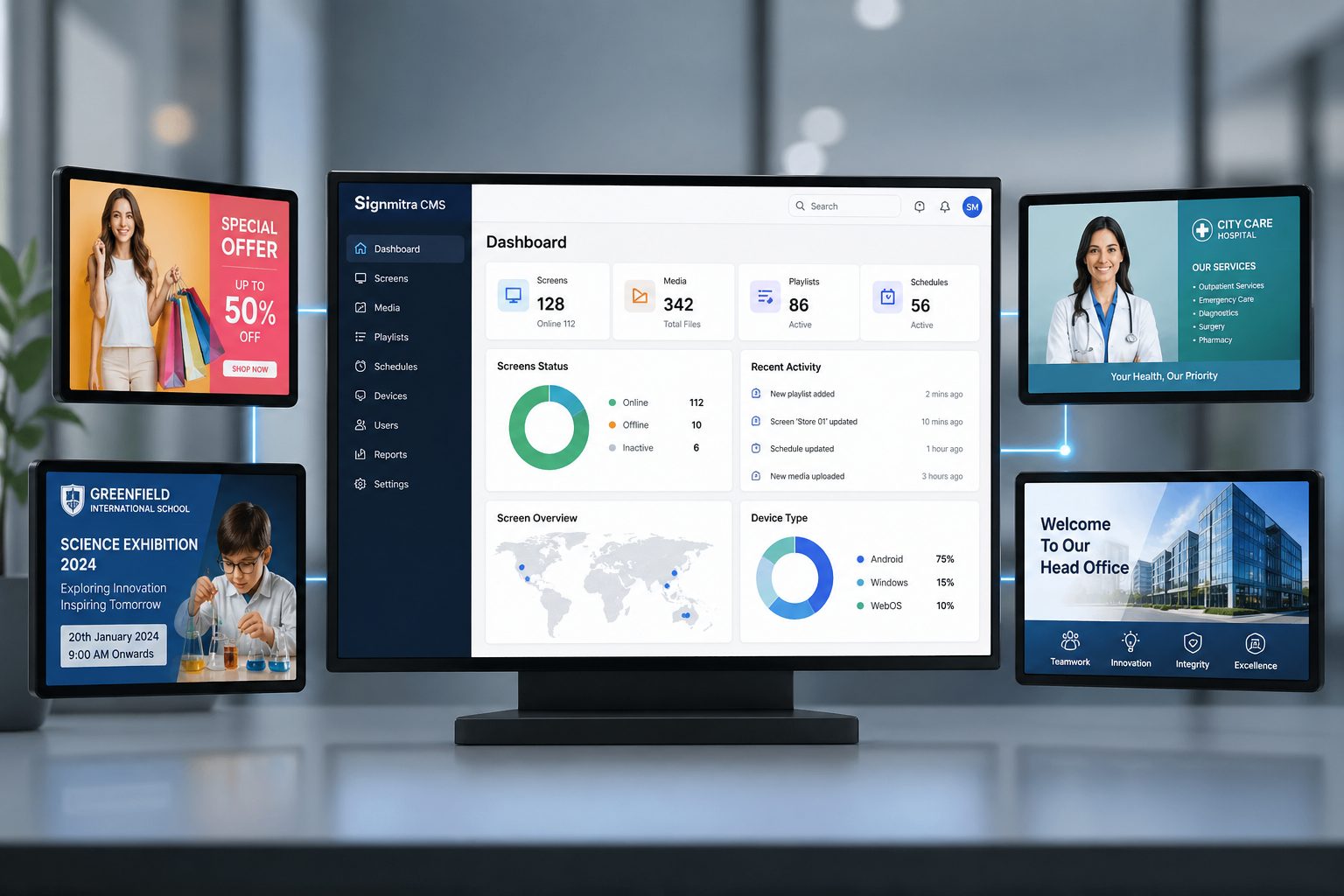
Signmitra’s Digital Signage CMS gives you complete control to create, manage and publish dynamic screen content across your organization. Design layouts, schedule playlists, manage users and deploy updates instantly across one or hundreds of screens from a powerful cloud dashboard.
Control your entire signage network from one dashboard
Signmitra CMS is a cloud-based digital signage content management system designed to simplify screen operations for Indian businesses. Whether you manage retail stores, schools, hospitals or corporate offices, you can control all your screens, content and campaigns from a single intuitive interface without complex IT setup.
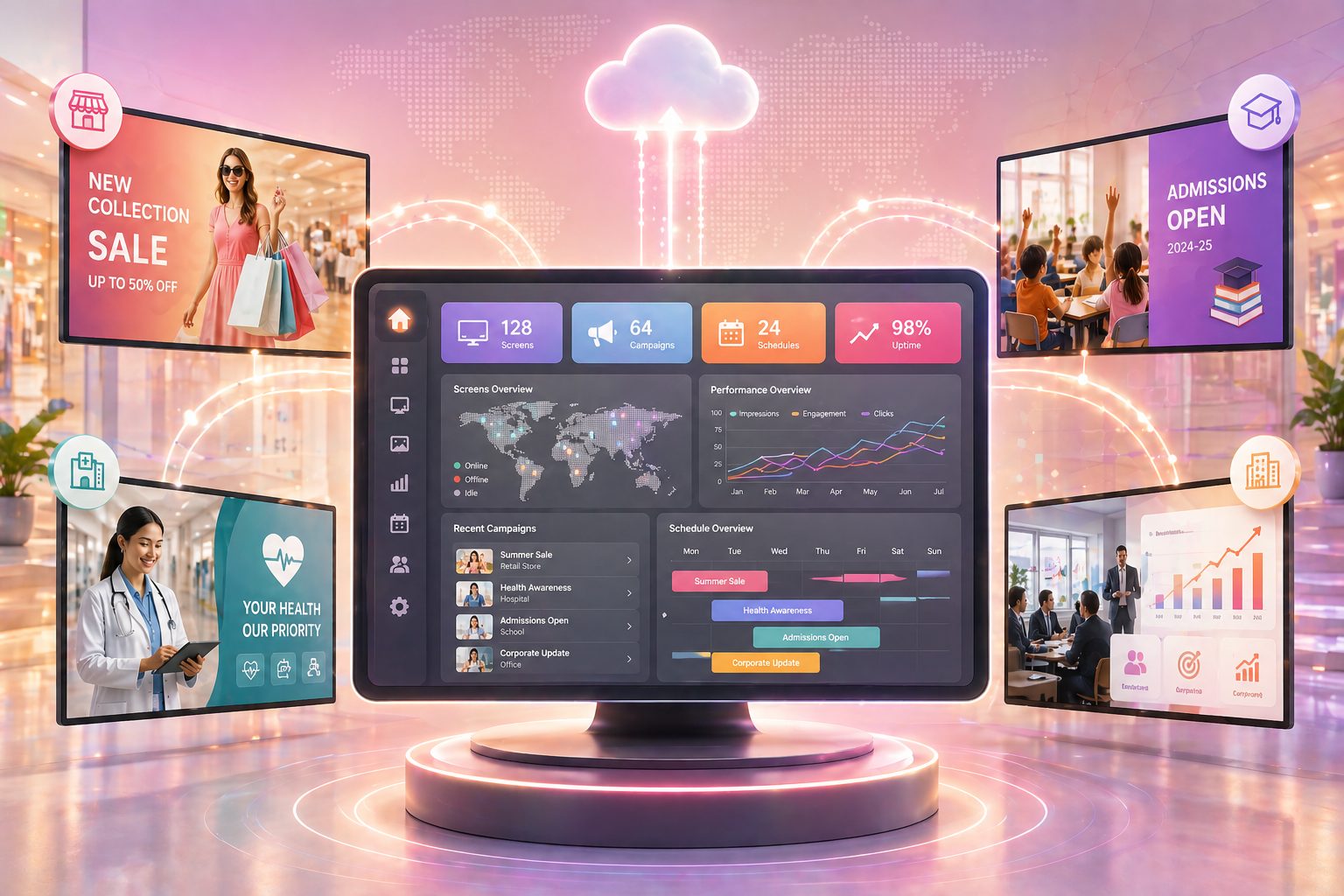
Core CMS Capabilities
Everything you need to manage digital signage content efficiently and at scale.
Screen Management
View and control all connected screens across locations from one dashboard.
Playlist Management
Create and manage playlists with layouts, media and widgets.
Smart Scheduling
Schedule content by time, date and recurring campaigns.
Content Library
Upload and manage images, videos, PDFs and media centrally.
User Roles & Permissions
Assign access control for teams and departments securely.
Live Monitoring
Track screen status, uptime and playback performance.
Complete CMS Studio Features
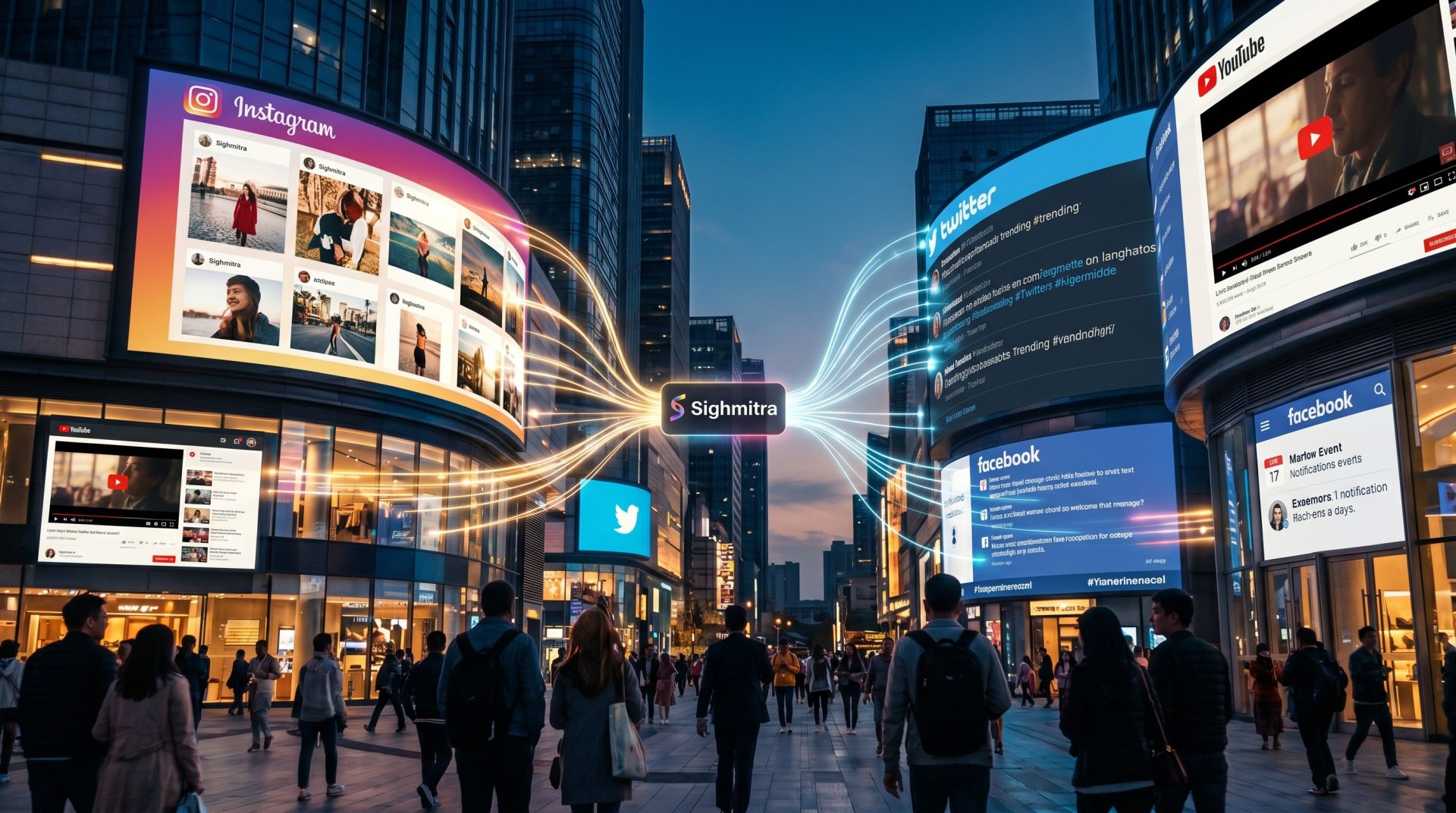
Integrate Instagram, Facebook and Twitter feeds directly into your digital signage screens to display live social content. Businesses can showcase user-generated content, promotions, events and brand engagement in real time. You can also stream live videos from YouTube, display RSS feeds, news updates and announcements to keep your content dynamic and relevant. This enhances audience engagement and turns your screens into interactive communication tools.
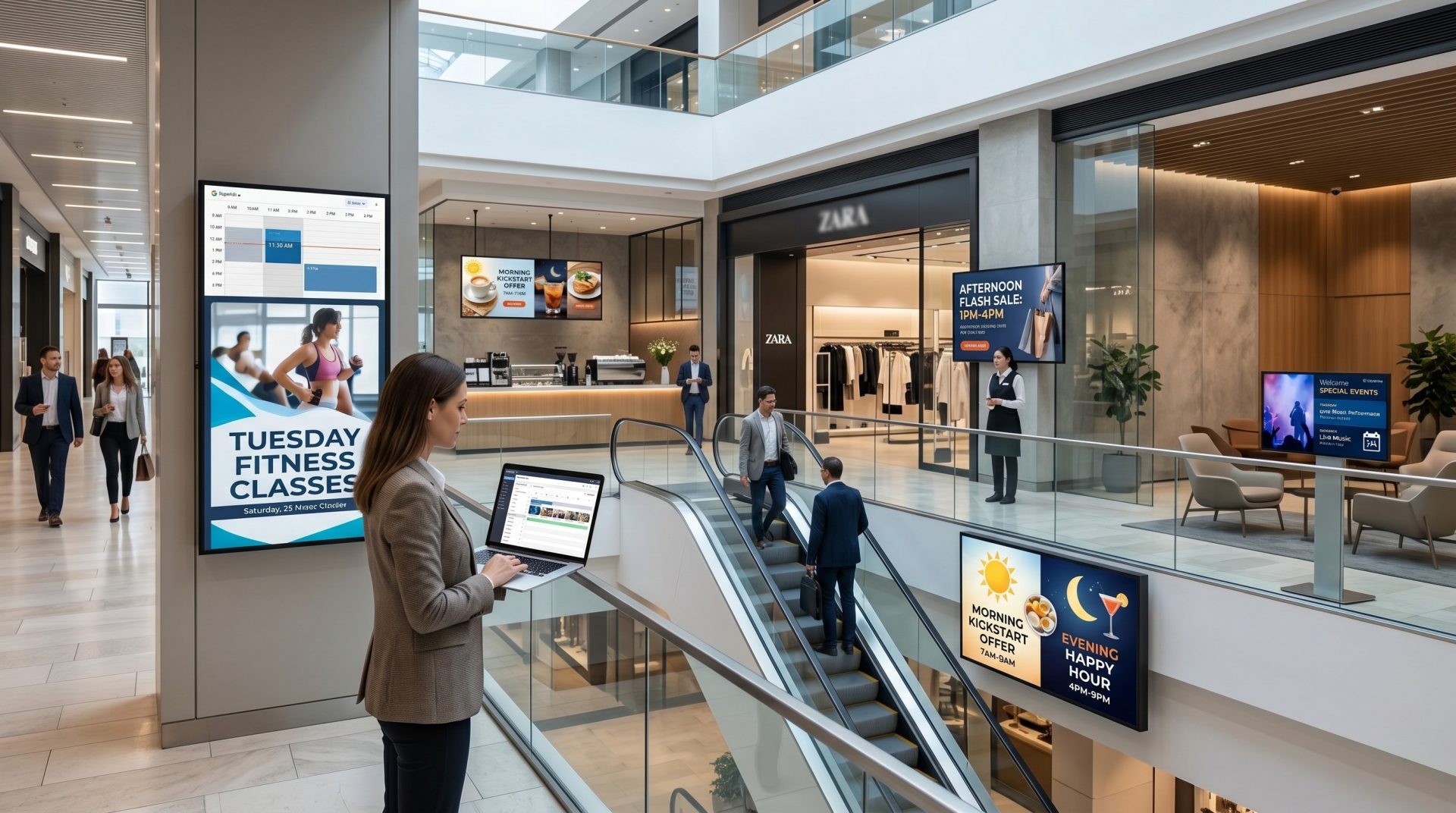
Create advanced content schedules and automate campaigns across screens. Define time-based playback, dayparting schedules, recurring campaigns and special event promotions. Businesses can plan content in advance and ensure timely execution without manual effort. This helps deliver targeted messaging, improves customer engagement and reduces operational workload.
Add dynamic widgets such as weather, clock, social feeds, announcements, scrolling tickers and custom HTML content to your layouts. These widgets help create engaging and informative displays that update automatically. Businesses can also integrate dashboards, KPIs and external data sources for real-time communication.
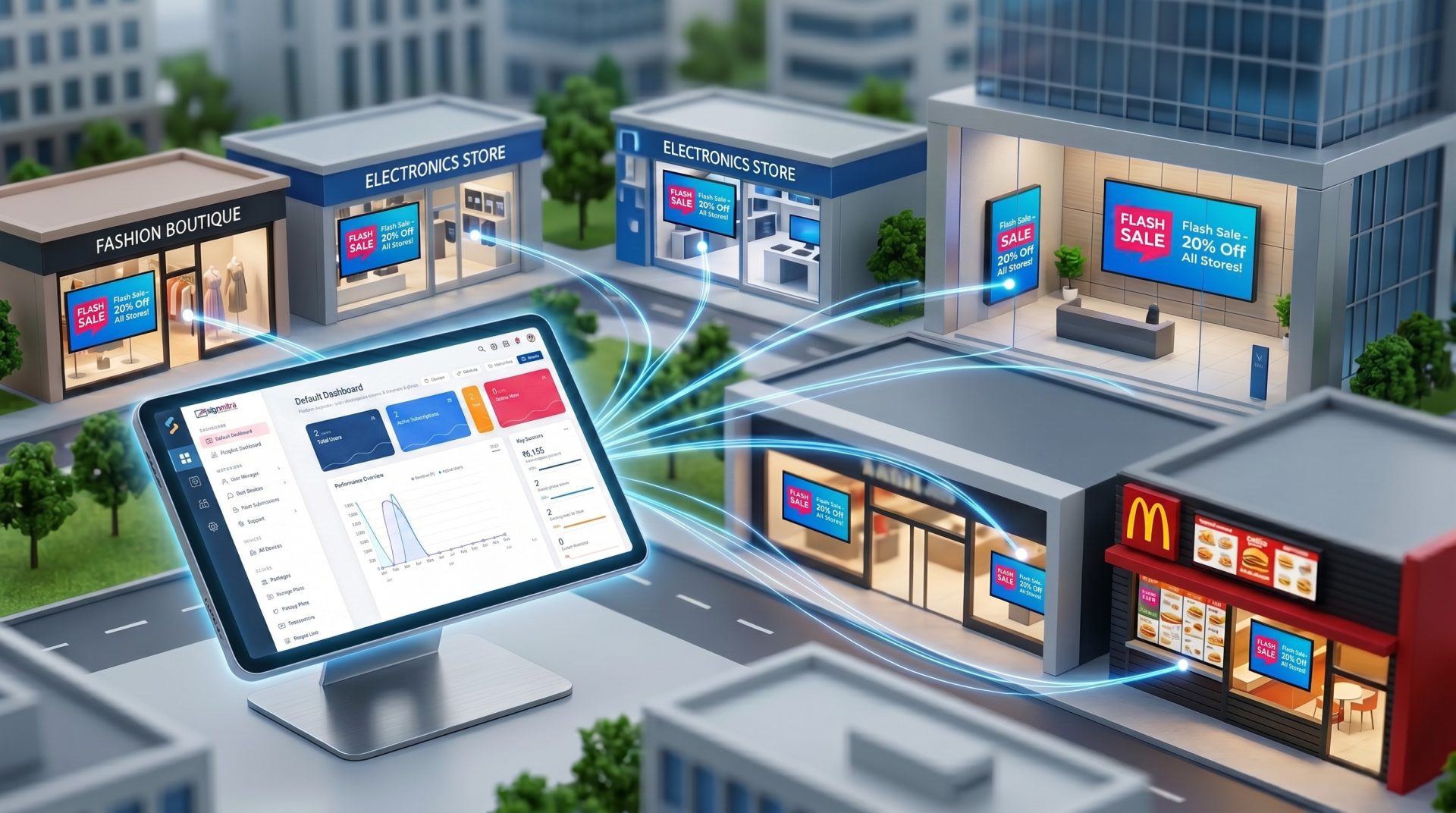
Manage multiple screens across different locations from a centralized dashboard. Assign content to individual screens, groups or entire networks instantly. This is ideal for franchise businesses, retail chains and corporate offices that require consistent messaging across locations. Remote publishing ensures fast updates and uniform branding.
Advanced CMS Features
Real-Time Updates
Content updates instantly across all connected screens.
Centralized Control
Manage screens, content and users from one platform.
Secure Access
Role-based permissions ensure data protection.
Location-Based Control
Organize screens by location for easy management.
Reports & Analytics
Access playback reports and performance insights.
Custom Workflows
Adapt CMS operations based on business needs.
How Signmitra CMS Works
1
Upload Content
Add media, layouts and widgets to your CMS.
2
Create Playlists
Combine content into structured playlists.
3
Schedule Campaigns
Define when and where content should play.
4
Publish to Screens
Deploy updates instantly across all screens.
Built for Scale & Performance
100+
Screens managed
1 click
Publishing
24/7
Remote control
0
Manual updates
Built for Indian businesses across industries
Signmitra CMS is designed for retailers, schools, hospitals, corporate offices and franchise networks. Whether you need promotional displays, internal communication or public information systems, the platform provides flexibility, scalability and ease of use.
Frequently Asked Questions
It is a platform used to manage and publish content on digital screens remotely.
Yes, Signmitra CMS allows centralized control of multiple screens.
Yes, it is designed for non-technical users with a simple interface.
Yes, advanced scheduling and automation features are included.
Still have questions?
Our team is here to help with anything not covered above.
Take control of your digital signage network
Create, manage and publish content effortlessly with Signmitra CMS.